
Confirming you own the Deluxe entitlement
Before troubleshooting a specific item, confirm the entitlement itself, because a missing purchase is a different problem from a gated item.
- On Steam, the Deluxe Content appears as a separate owned product with app id 4664770 alongside the base game.
- On the console stores, the equivalent add-on is listed separately and shows as purchased on your account.
- If you bought the Deluxe edition rather than the add-on, the extras are part of the base entitlement rather than a second entry.
- Weapon
- The Nailer, a melee weapon
- Skins
- Cenobite shotgun, Punisher baseball bat, Leviathan weapon charm
- Digital media
- Art book, soundtrack, novella Bleeding Hearts
- Visual option
- 1980s horror movie filter
The digital extras: art book and soundtrack
Both the digital art book and the digital soundtrack are reached from the main menu, which means you do not have to load a save or start the campaign to use them.
Launch the game
Reach the main menu where the campaign, options and extras entries appear.
Open the extras entry
The art book and soundtrack are listed as their own entries rather than nested under options.
Select the art book or soundtrack
The art book is a browsable gallery; the soundtrack plays from an in-game player.
Soundtrack scope: the Deluxe soundtrack is the in-game player rather than a set of downloadable audio files. What it contains, and the separate question of who composed the score, is covered on the soundtrack page.
The 1980s horror movie filter
The filter is a display option rather than a mode. It is applied through the options menu, so it can be switched on and off at any point without affecting progress.
Because it is a visual treatment, turning it on does not change difficulty, achievements or saves. If you do not see it, check the options menu rather than the extras menu.
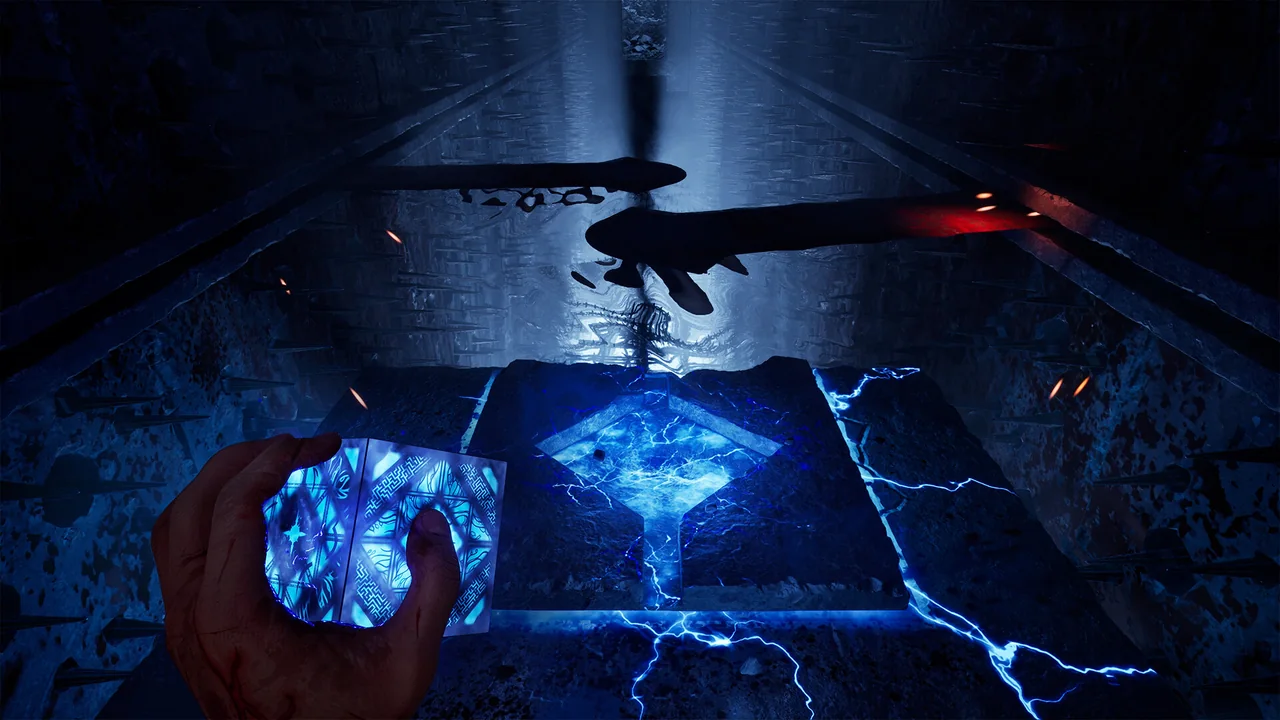
The Nailer
The Nailer is the only Deluxe item that is a weapon rather than a cosmetic, and it is acquired in the campaign like any other weapon.
It becomes available from Zora's shop the first time you encounter that shop, so an owner who has not yet reached Zora will not have seen it. This is the item most often reported as missing when the purchase is in fact working correctly.
Progression gate: if you have not met Zora yet, the Nailer is not due to appear. Where weapons fit into the campaign, including upgrade effects, is on the weapons and upgrades page.
Why the skins are not in your inventory yet
The Deluxe skins are tied to weapons you may not have found. A skin for a weapon you do not own has nothing to attach to, so the game withholds it.
Obtain the matching weapon in the campaign
Each Deluxe skin corresponds to a weapon, and the skin unlocks alongside that weapon.
Let it auto-equip on pickup
The Deluxe skin applies automatically the moment you obtain the weapon, so you may see it without doing anything.
Swap it from the inventory
Open the inventory, inspect the weapon, and switch between the default and Deluxe appearance.
If a weapon is in your inventory and the Deluxe skin is still absent, that is the point at which a genuine entitlement problem becomes plausible. Check the store entry for your platform before assuming the worst.
When an included item is not visible
Work through these in order; the first two explain most reports.
- Confirm the entitlement on your store account, as a separate add-on or as part of the Deluxe edition.
- Check whether the item is gated: the Nailer needs Zora's shop, and skins need their matching weapon.
- For the art book, soundtrack and filter, look in the main menu and the options menu rather than the inventory.
- If the entitlement is present and the gate is passed, contact the platform store you bought from, since it holds the transaction record.
Do not buy twice: a Deluxe skin that has not appeared is not a reason to purchase the Deluxe Content add-on again. The entitlement is on the account, not on the item.
Preorder skins are a different thing
The Labyrinth Pistol Skin and Martyr Sawblade Skin came from preorders rather than from the Deluxe edition, and they apply to any edition including Standard.
So a missing preorder skin is not a Deluxe entitlement problem, and buying Deluxe now does not recover it. What the paid editions include is compared on the edition comparison.
Frequently asked questions
Where do I find the Deluxe art book and soundtrack?
Both are opened from the main menu, as their own entries rather than under options. The soundtrack is an in-game player, not downloadable audio files.
Where is the Nailer weapon?
It becomes available from Zora's shop the first time you encounter that shop during the campaign, so it does not appear before that point.
Why are my Deluxe skins missing?
Each skin unlocks alongside the weapon it applies to. Once you obtain that weapon the skin equips automatically, and you can swap it from the inventory by inspecting the weapon.
Where is the 1980s horror movie filter?
It is a display option in the options menu, and it can be switched on or off at any time without affecting progress.
Should I buy the Deluxe Content add-on again?
No. The entitlement is attached to your account, so a gated item is not a reason to repurchase. Confirm the entitlement on your store account first.
Where to go next
Main menu access for art book and soundtrack, filter in options, Nailer at Zora's shop, skin unlock and swap behaviour. Source: Saber Interactive support FAQ. Checked .
The eight Deluxe items and the standalone Deluxe Content appid 4664770. Source: Steam store listing. Checked .