
What the demo covers
The demo is the opening of the retail game rather than a custom level. You meet the main cast, enter the Labyrinth, and then fight through the Scarlet Church after the Genesis Configuration is taken.
The store listing describes the slice as part of Episode 1, which matches where the build stops: the escape from the church is cut short at the end of its first part.
Demo stage order
Work through the two objectives in the order below. The Area column tells you where you are when the objective title changes in the Objectives menu.
| Objective | Area | Encounters |
|---|---|---|
| Prologue | Aidan and Sunny's home and the Labyrinth | Pinhead (cutscene only) |
| Escape from the Scarlet Church Part 1 | Scarlet Church | Bruno (stealth), Chatterer (chase) |
The Prologue is the quietest stretch in the game: it establishes the box and the characters before any real combat. The church is where the demo teaches stealth, weapon durability and running away from something you cannot kill.
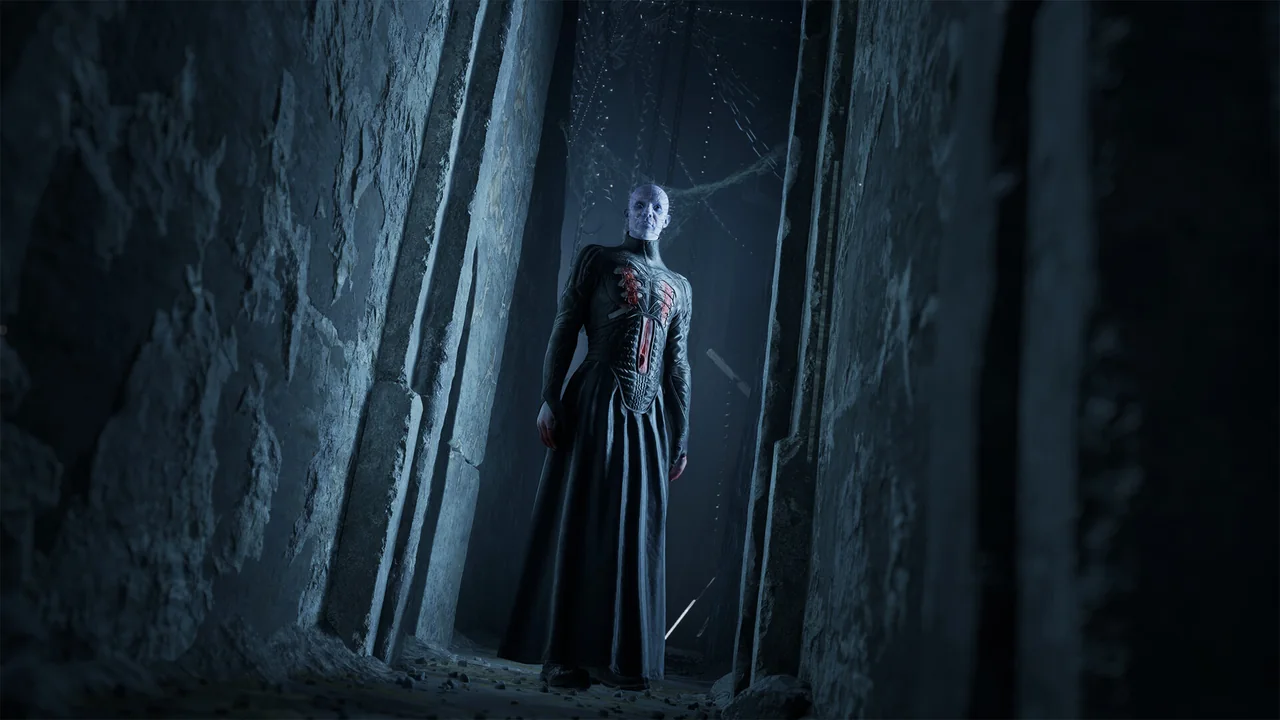
Where the demo stops
The build ends after Part 1 of the Scarlet Church escape. The full game continues into Escape from the Scarlet Church Part 2 and then Take Back the Genesis Configuration.
Because the cut lands mid-sequence, a player who buys the full game replays the demo content from the start. The complete objective list is on the story walkthrough.
Safes and puzzle steps in the demo
One community wiki lists a safe combination, a fuse and a brass-ring rotation for the demo. No second source confirms those steps, and the same wiki carries other claims that do not match the retail build.
Single-source detail withheld: because the combination and fuse steps rest on one unverified wiki, this page does not publish them. Verify them in your own build before relying on them.
The full game’s box puzzles are a separate system with their own order and shapes. Those are collected on the puzzle help page and explained on the Genesis Configuration page.
What carries over to the full game
Nothing carries over. Progress, inventory and unlocks from the demo are discarded, so there is no reward for a thorough demo run beyond familiarity with the controls.
Backing up a demo save is still possible on PC, but it only preserves the demo state. The rules for full-game saves are on the saves and Steam Cloud page.
How long the demo takes
Reported times range from about 45 minutes in a community wiki to 80 to 90 minutes from a player who explored. Both figures are community observations, not publisher data.
The playtime page compares the demo range with the full-game estimates.
Frequently asked questions
How long does the demo take to finish?
Community reports put it between about 45 minutes and 90 minutes, depending on how much you explore. No publisher figure has been issued.
Does my demo save carry over if I buy the game?
No. Progress, items and unlocks from the demo do not transfer to the full version.
Is the demo the same as the full game opening?
Yes, it is the retail opening: the Prologue and part of Episode 1, stopping after Escape from the Scarlet Church Part 1.
Is there a confirmed safe code in the demo?
No. A single community wiki lists a combination and fuse step, but nothing confirms it, so this page does not publish those steps.
Where to go next
Demo scope, app ID and Episode 1 wording. Source: Steam demo store listing. Checked .
Demo segment boundaries and encounters. Source: GameTrek main story walkthrough list. Checked .
Episode 1 slice and progress carry-over. Source: Yahoo Tech demo coverage. Checked .